
What Makes a Smart Board Perform Better A Simple Guide for Schools
Imran Khan
12-Jan-2026

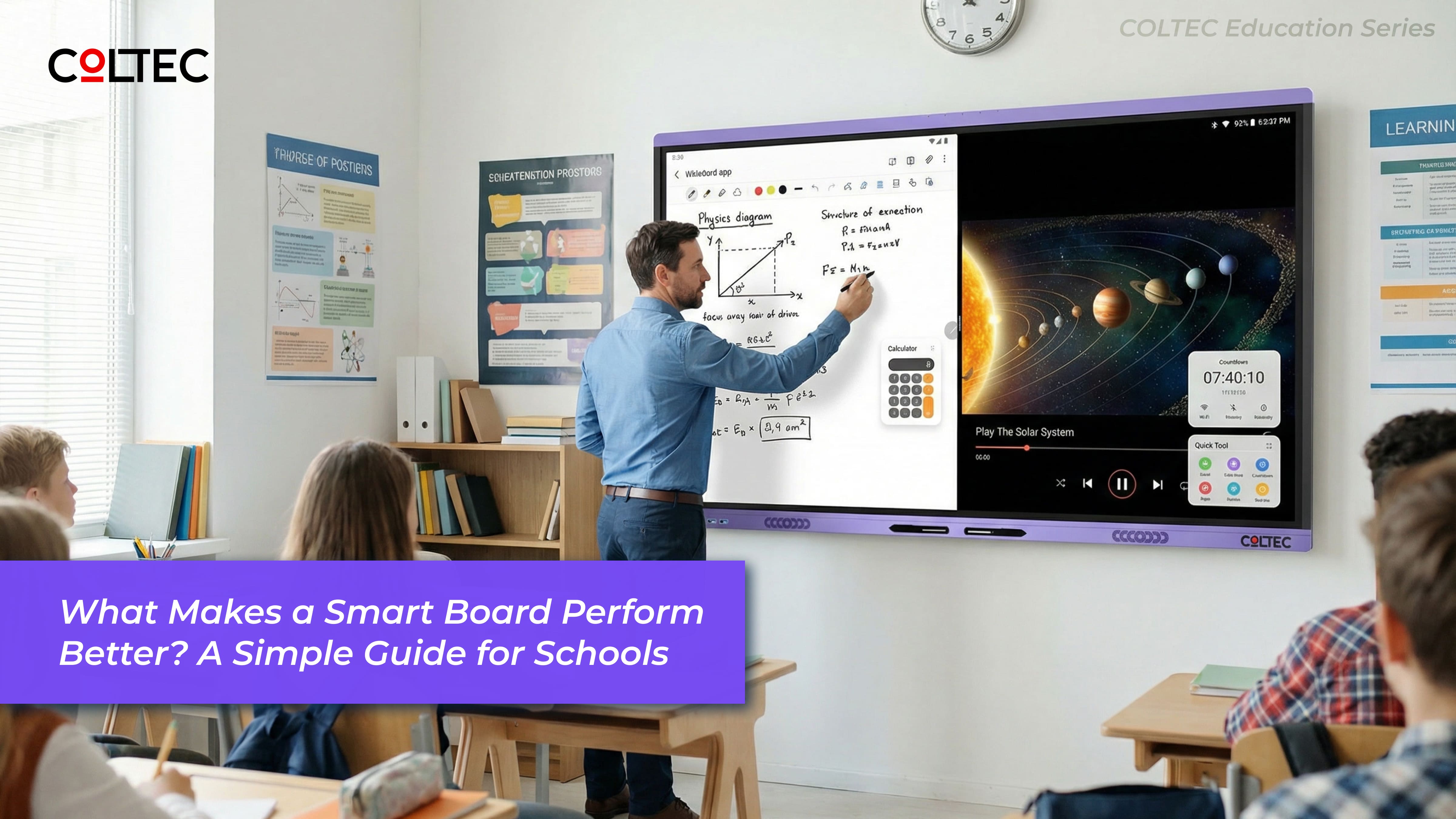
Most smart boards fail not because teachers don’t want to use them — but because the hardware underneath was never designed for real classroom conditions.
In many schools, smart boards are adopted enthusiastically in the first few months. Over time, lag, slow touch response, delayed app switching, and update-related issues quietly reduce usage — until the board becomes just another expensive display.
The difference between a smart board that truly transforms classrooms and one that gets under‑used lies inside the board, not on the surface.
This guide explains, in clear and practical terms, what actually makes a smart board perform better — and how schools can make a confident, future-ready decision.
What makes a smart board perform better?
Smart board performance depends on its internal hardware foundation — especially the processor and system design — and how well it supports continuous classroom multitasking over time. — and how schools can make a confident, future‑ready decision.
A Smart Board Is Not Just a Screen
A smart board is essentially a computer built for continuous classroom use — not a consumer gadget adapted for education.
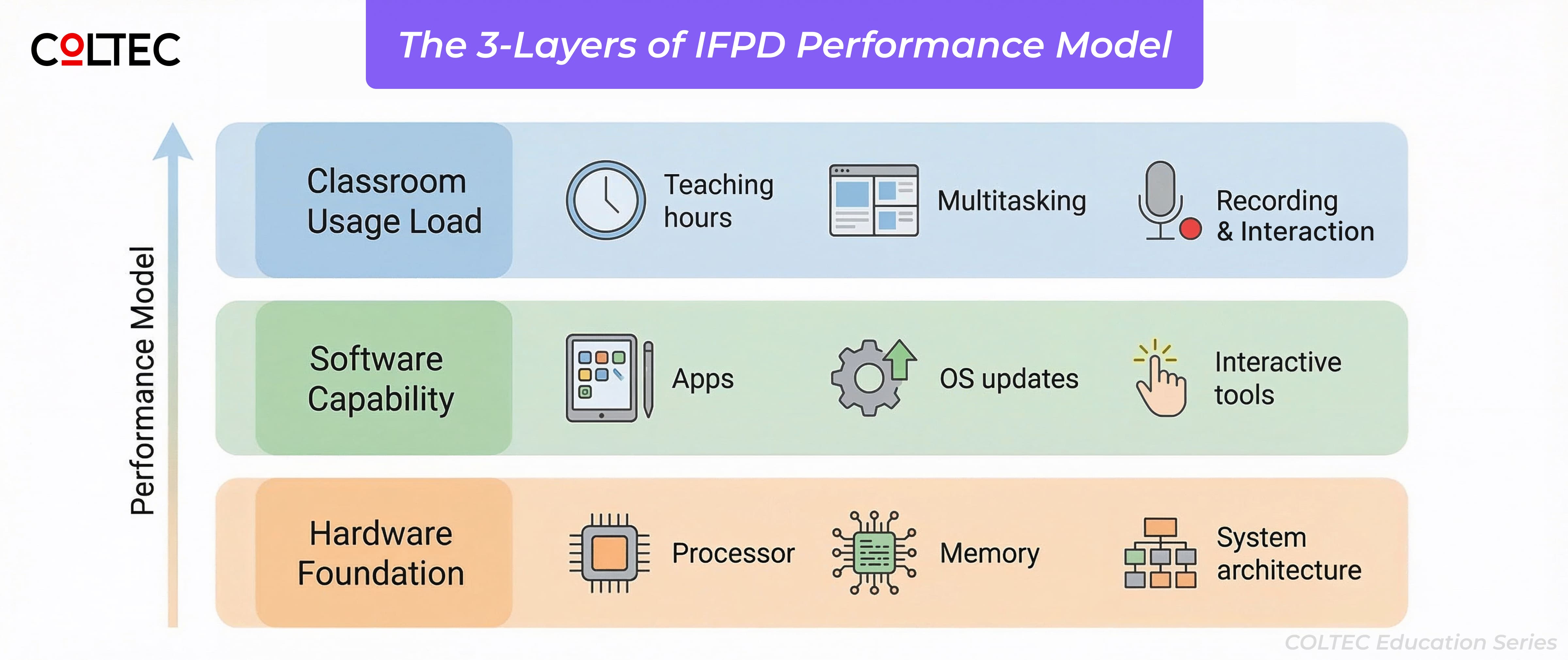
In practice, smart board performance depends on three tightly connected layers:
The 3‑Layer Smart Board Performance Model
- Hardware foundation – processor, memory, and system architecture
- Software capability – teaching apps, operating system, and updates
- Classroom usage load – hours of daily use, multitasking, recording, and interaction
When the hardware foundation is weak, even good software struggles under real classroom load.
The Real Reason Some Smart Boards Slow Down Over Time
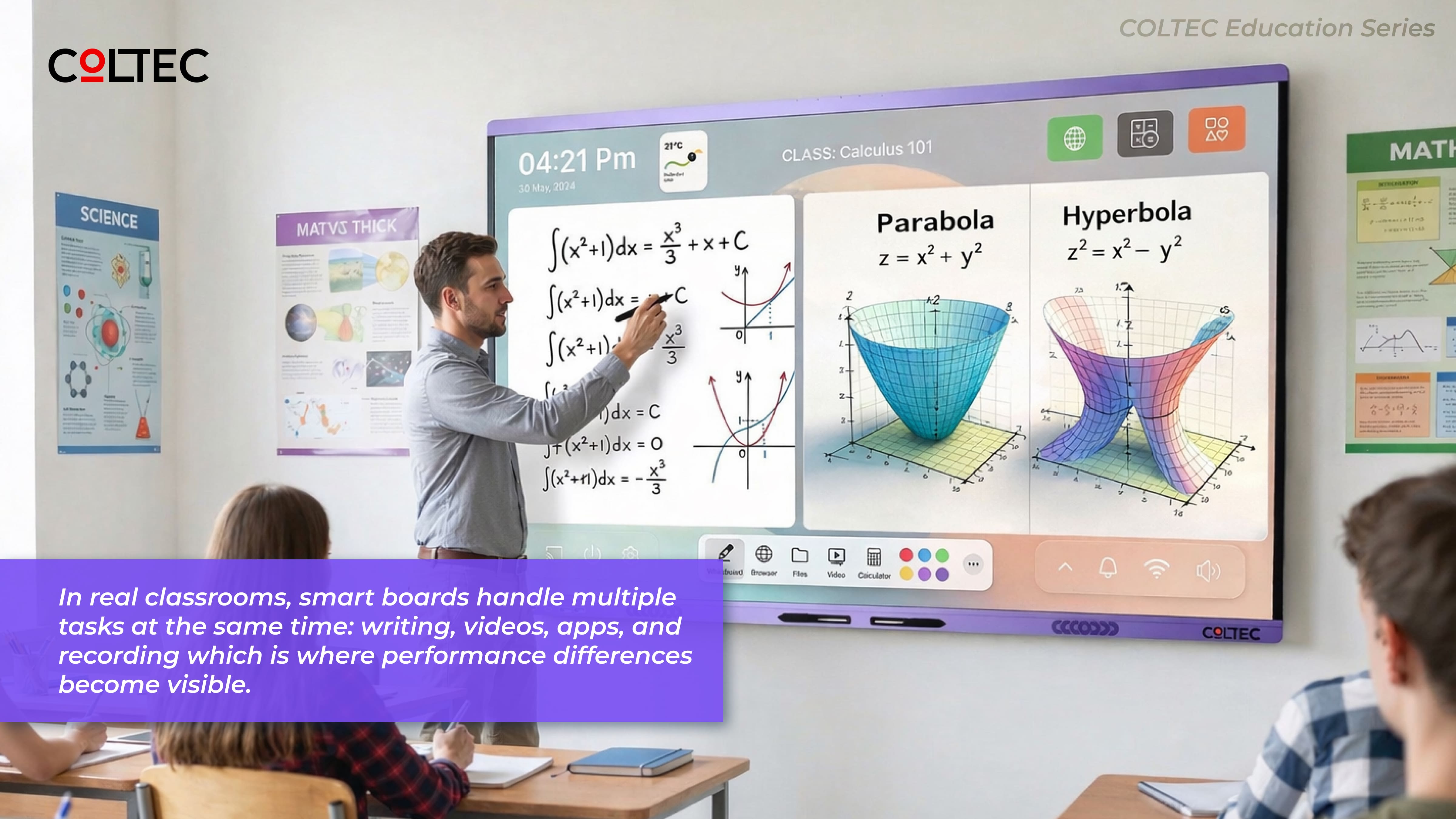
In real classrooms, teachers don’t use one feature at a time. A typical teaching session involves:
- Continuous writing on the digital whiteboard
- Playing videos and animations
- Switching between multiple apps
- Recording lessons for revision or absent students
- Using interactive or AI‑assisted tools
Boards built with entry‑level processing hardware may manage these tasks initially. But as daily usage increases and software updates are applied, performance often drops.
This is commonly mistaken for a software issue. In reality, it is a hardware limitation.
Performance‑grade boards are designed to handle sustained multitasking from day one, with enough performance headroom to remain stable year after year.
Why the Processor Matters More Than Feature Lists
The processor is the brain of a smart board. It determines how the board behaves during live teaching — not just what features it supports on paper.
It directly influences:
- How responsive writing and touch feel
- How smoothly apps switch during lessons
- Whether screen recording runs without frame drops
- How reliably advanced features such as AI or voice interaction perform
A common misconception is that Android version numbers or long feature lists guarantee performance. In reality, two boards running the same software can behave very differently depending on the processor and system architecture underneath.
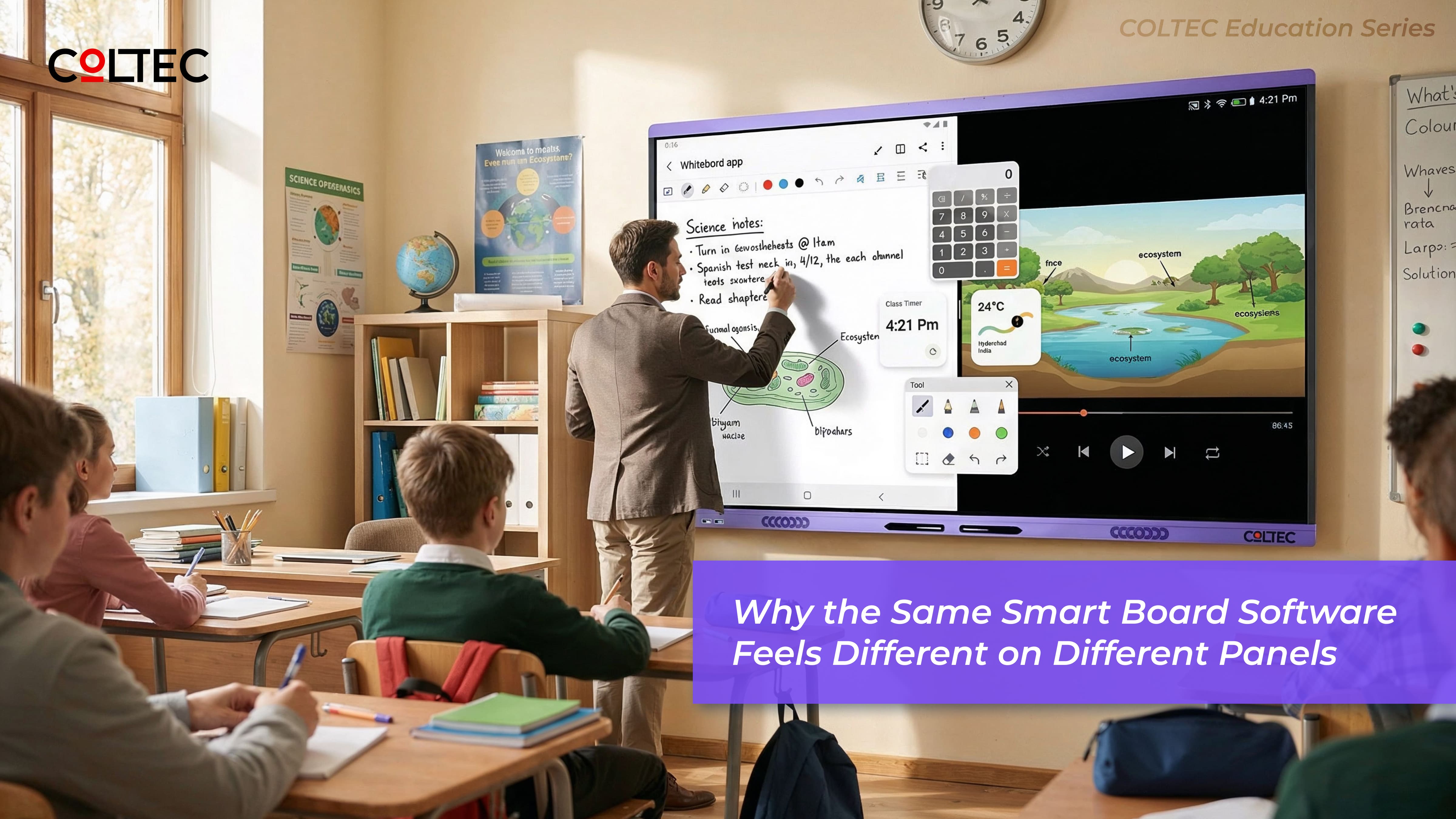
This is also why the same teaching software can feel smooth on one smart board and frustratingly slow on another. The difference is rarely the app itself — it is how the underlying hardware processes real-time classroom load. We explain this in detail in our guide on why the same smart board software feels different on different panels. In reality, two boards running the same software can behave very differently depending on the processor and system architecture underneath.
Performance‑Grade vs Entry‑Grade Smart Boards
In today’s market, smart boards broadly fall into two categories. Understanding this distinction helps schools avoid incorrect comparisons and unmet expectations.
Entry‑grade smart boards
- Designed for basic digital interaction
- Suitable for light or occasional use
- Often struggle with sustained multitasking
- Performance reduces noticeably over time
Performance‑grade smart boards
- Designed for daily, intensive classroom teaching
- Handle multitasking smoothly and consistently
- Remain responsive even after years of software updates
- Support advanced teaching tools reliably
Boards designed for professional classroom use behave very differently from consumer‑grade interactive displays.
Why Long‑Term Value Matters More Than Initial Price
A smart board is typically expected to last five to seven years in a school environment. Yet many purchase decisions focus primarily on upfront cost.
Lower initial price does not always mean lower total cost. Performance limitations often lead to:
- Reduced teacher adoption
- Partial use of features
- Increased classroom frustration
- Earlier replacement cycles
Performance‑grade smart boards deliver better long‑term value because they remain usable, reliable, and relevant as teaching methods and software evolve.
How COLTEC Designs Smart Boards for Real Classrooms
At COLTEC, smart boards are engineered from the inside out. Hardware architecture is selected first — based on observed classroom behaviour, long teaching hours, and real multitasking scenarios.
This perspective comes from years of observing classroom deployments and long‑term usage across diverse institutions.
Instead of optimising for brochures or spec sheets, COLTEC IFPDs are designed to deliver:
- Stable day-to-day performance
- Consistent responsiveness over time
- A smoother, more confident teaching experience
This design philosophy is reflected across our range of COLTEC Interactive Flat Panel Displays, built specifically for professional teaching environments
The objective is simple: technology should support teaching — not become a distraction.
A Simple Checklist Before You Choose
Performance is also closely tied to long-term value. Boards that slow down over time often end up under-utilised or replaced earlier than planned — increasing the real cost of ownership. This is why schools are increasingly evaluating purchases based on long-term value, not just upfront price, as explained in our article on the real cost of a smart board.
Before selecting a smart board, schools should look beyond screen size, Android versions, and feature counts. Asking the right questions upfront can prevent long‑term dissatisfaction.
Consider this checklist:
- Can the board handle continuous multitasking throughout the school day?
- Will it remain smooth and responsive after future software updates?
- Is the hardware designed specifically for professional classroom use?
The better the foundation inside the board, the better the classroom experience — not just today, but for many years to come.
This article is part of COLTEC’s education series on smart classroom technology, created to help schools, buyers, and partners make informed, future‑ready decisions.

Latest Blogs

Blog Categories
Leave a Comment
Comments
No comments yet. Be the first to comment!

