
Why the Same Smart Board Software Feels Different on Different Panels
Anudeep
13-Jan-2026

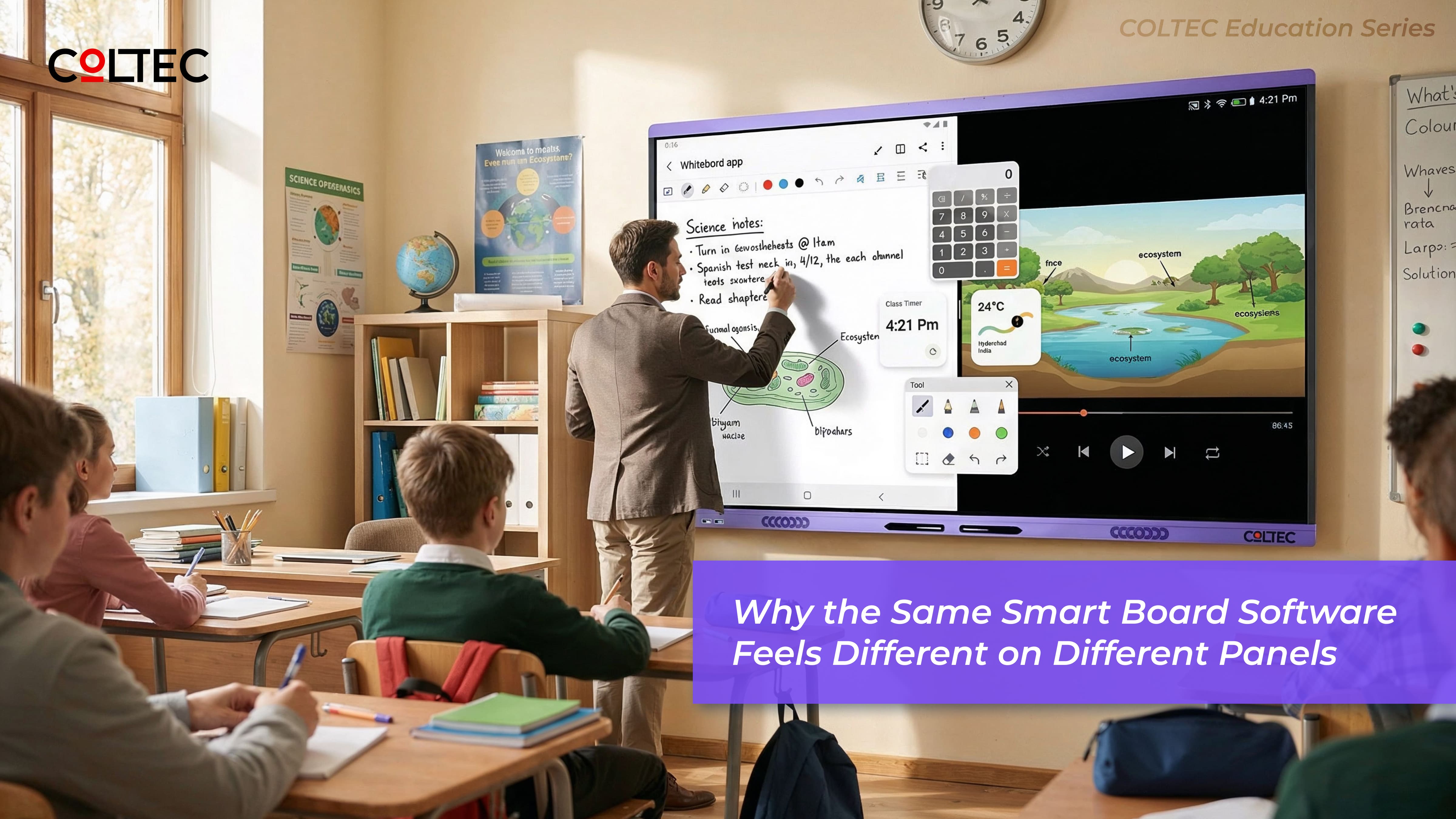
Many schools experience a confusing situation: the same teaching software runs smoothly on one smart board but feels slow, unresponsive, or unstable on another. This often leads to the assumption that the software is flawed.
In reality, software behaviour is only the visible layer. What happens underneath the screen determines how that software performs in a real classroom.
This is closely connected to the fundamentals explained in our guide on what makes a smart board perform better, where we break down how hardware foundations influence long-term classroom experience.
This article explains why identical smart board software can deliver very different classroom experiences — and what schools, buyers, and resellers should understand before making comparisons.
Why does the same smart board software behave differently on different panels?
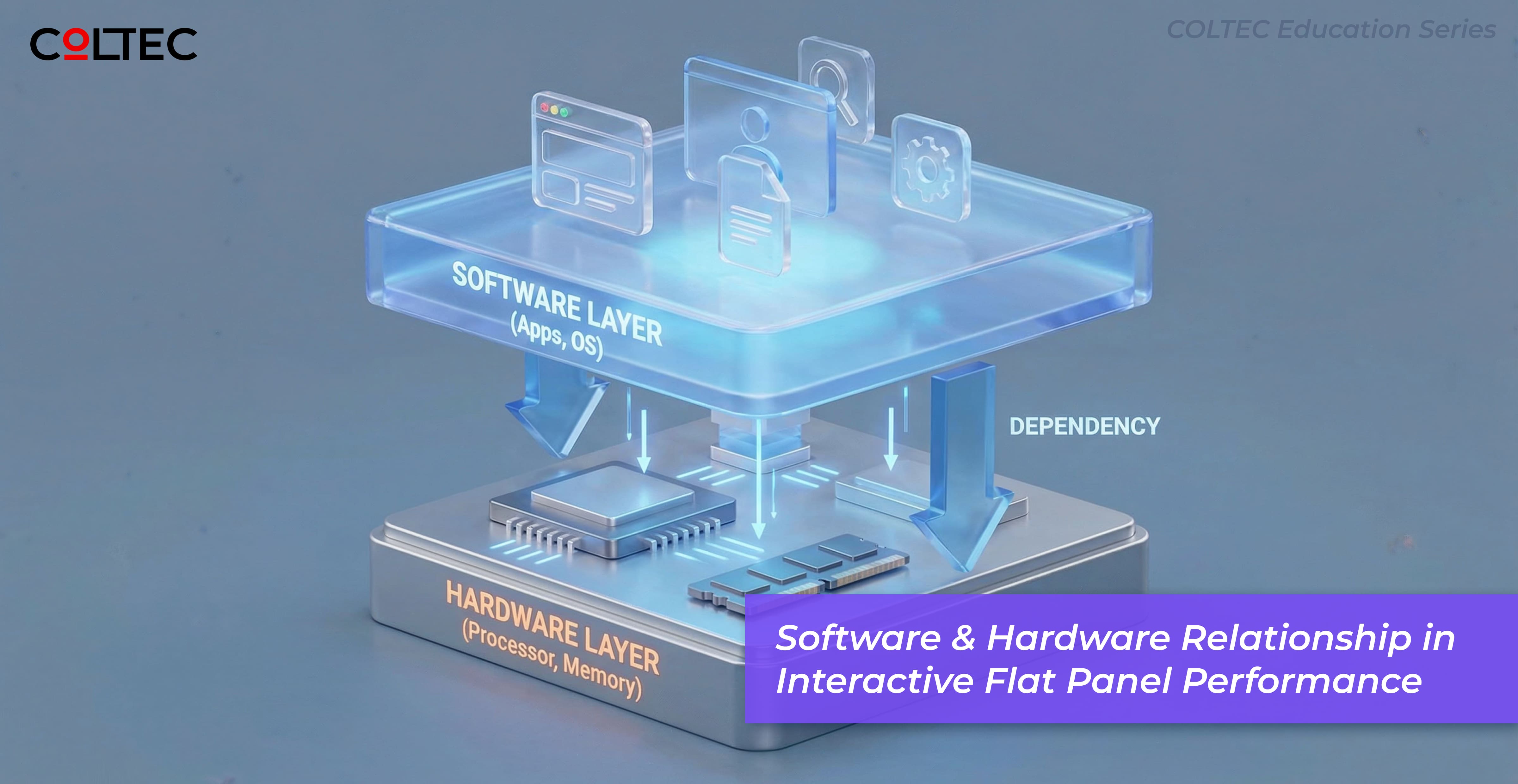
Because software performance depends on the underlying hardware — especially processor capability, system architecture, and how well the board is designed to handle continuous classroom multitasking.
Software Is Only as Strong as the Hardware Beneath It
Teaching software does not operate in isolation. Every action — writing, zooming, switching apps, recording lessons, or running interactive tools — is processed by the board’s internal hardware.
If the hardware foundation is weak, software performance suffers, regardless of how well the application itself is designed.
In classrooms, this gap becomes visible very quickly because teaching is continuous, fast-paced, and multi-task driven.
The Classroom Multitasking Reality
During a typical lesson, a smart board is expected to handle:
- Continuous handwriting and annotations
- Video playback or animations
- App switching without delays
- Screen recording for revision
- Interactive or AI-assisted tools
All of this happens simultaneously.
Boards that rely on entry-grade processors may run the same software but struggle to manage this load smoothly. Over time, delays, lag, and crashes are wrongly blamed on software.
Why Identical Software Behaves Differently
Two smart boards running the same operating system and applications can behave very differently because of:
- Processor capability and architecture
- Memory bandwidth and system optimisation
- Thermal design and sustained performance handling
These factors determine whether software actions are processed instantly or queued, delayed, or dropped during live teaching.
This is why feature lists and Android version numbers alone do not predict real-world classroom performance.
The Hidden Cost of Software-Blame Decisions
When performance issues are attributed to software, schools often:
- Restrict software usage
- Avoid advanced features
- Delay adoption by teachers
- Accept under-utilisation as normal
In reality, the limitation lies in hardware that was never designed for heavy classroom multitasking.
Understanding this distinction helps schools avoid unnecessary compromises and repeated investments.
This also directly impacts the total cost of ownership over time — a topic we explore further in our article on the real cost of a smart board.
Professional-Grade Hardware Enables Software Potential
Smart boards built for professional classroom use are designed with enough performance headroom to support software evolution over time.
This means:
- Updates do not degrade usability
- New teaching tools can be adopted confidently
- Teachers experience consistency, not surprises
Software performs best when the hardware is built to support it — not when it is pushed beyond its design limits.
How COLTEC Aligns Hardware and Software Performance
At COLTEC, software behaviour is evaluated in real classroom conditions — not just in test environments.
Hardware selection and system design are aligned to ensure that teaching software remains smooth, responsive, and reliable throughout the product lifecycle.
This design approach is reflected across our range of COLTEC Interactive Flat Panel Displays, which are built specifically for professional classroom workloads rather than light or occasional use.
This approach reduces friction for teachers and ensures that digital tools enhance learning rather than interrupt it.
What Schools Should Compare Instead
When evaluating smart boards running the same software, schools should ask:
- How does the board perform during continuous multitasking?
- Does performance remain stable after updates?
- Is the hardware designed for sustained classroom use?
The answers to these questions matter more than matching software names or version numbers.
Key Takeaway
Software does not define classroom experience on its own. The hardware underneath determines whether teaching tools feel empowering or limiting.
Choosing a smart board designed for real classroom workloads ensures that software delivers on its promise — today and in the years ahead.
This article is part of COLTEC’s education series on smart classroom technology, created to help schools, buyers, and partners make informed, future-ready decisions.

Latest Blogs

Blog Categories
Leave a Comment
Comments
No comments yet. Be the first to comment!
